
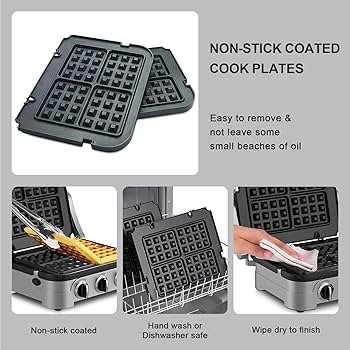
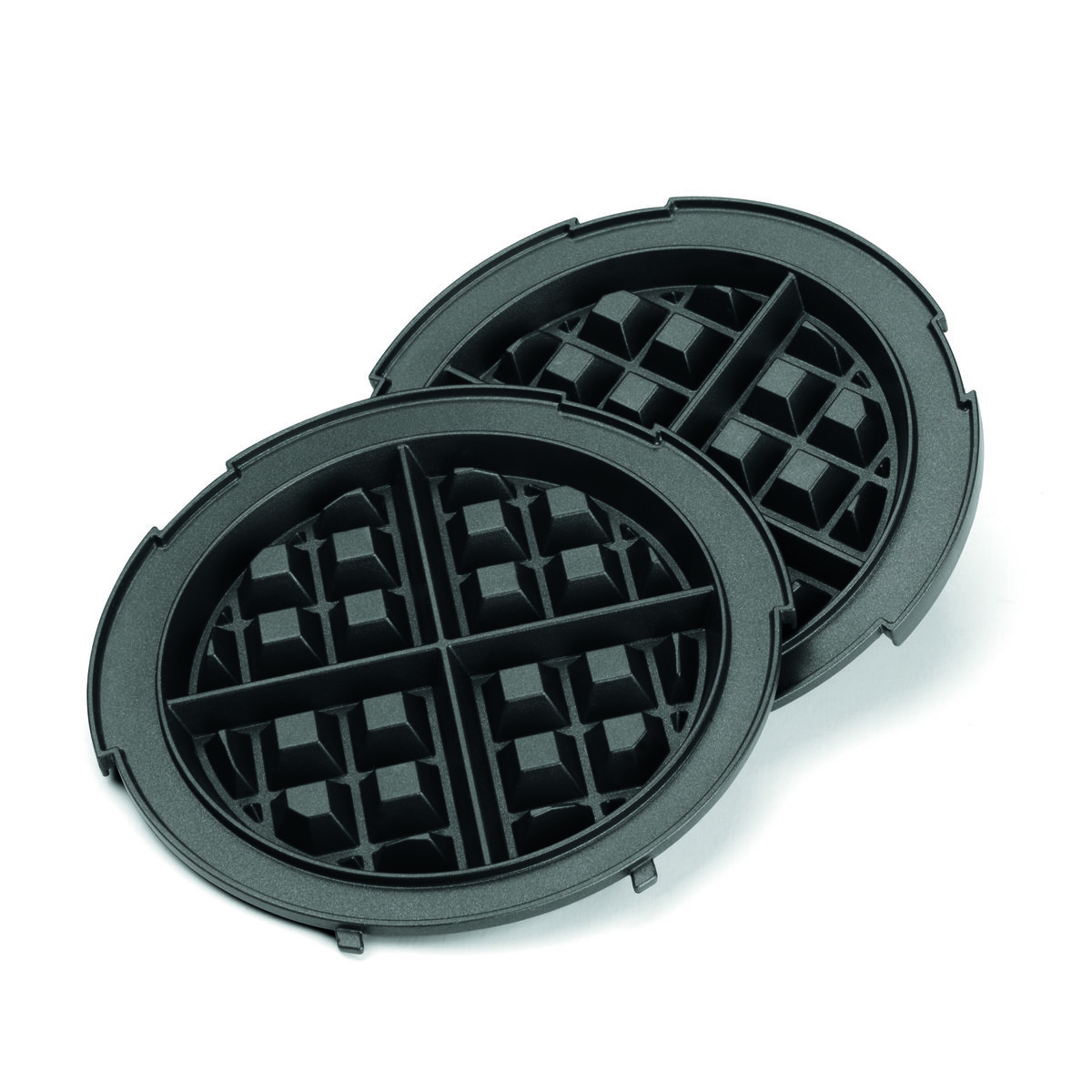
Remove the plates by unlocking the release tabs, lifting gently, and sliding each plate out.
I have worked with Cuisinart waffle makers for years and have guided dozens of readers through safe plate removal. This guide explains exactly how to remove plates from cuisinart waffle maker with clear steps, safety tips, and real-life troubleshooting so you can do it fast and without damage. Read on to learn step-by-step instructions, cleaning advice, and common fixes I use when a plate sticks or won’t release.
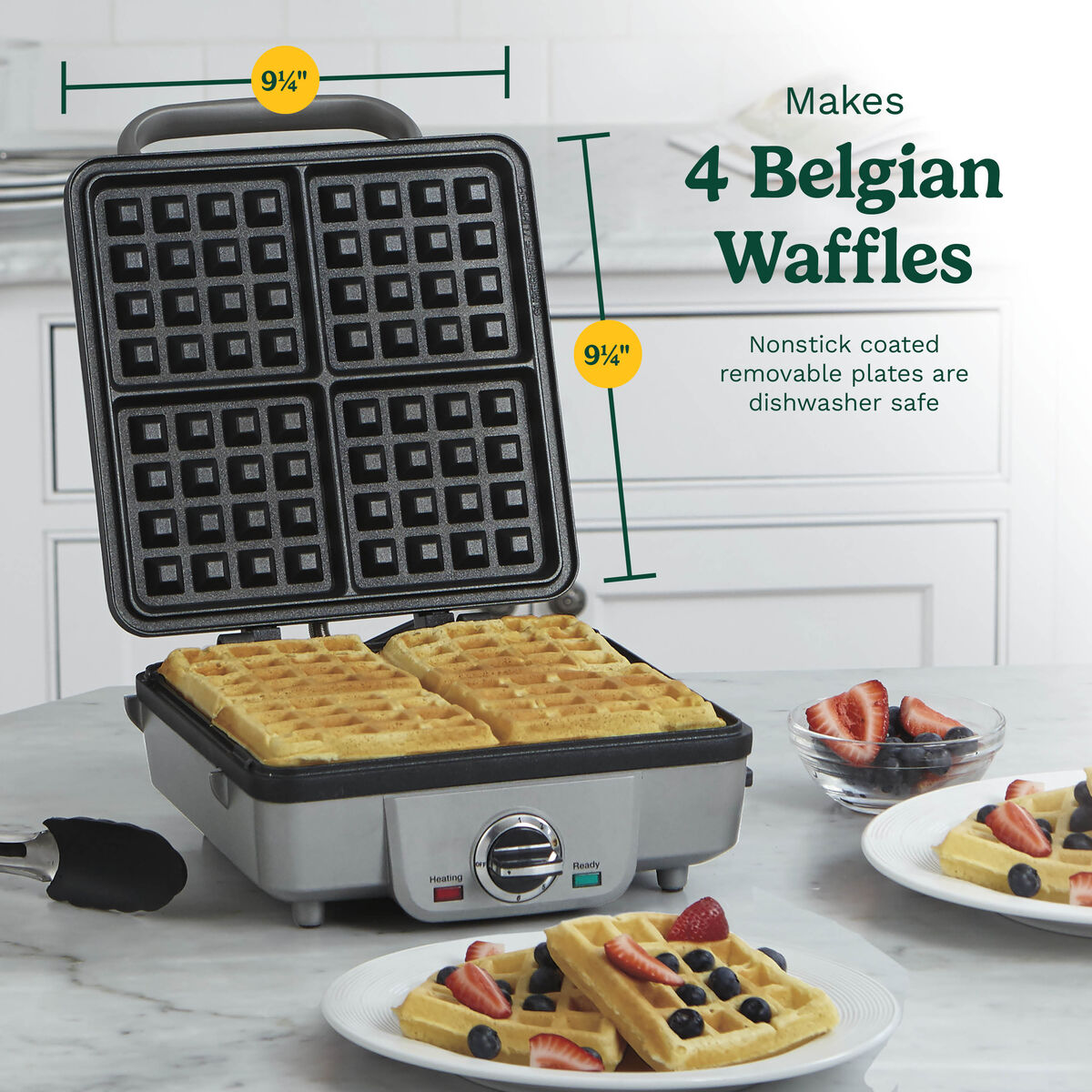
Why remove the plates from your Cuisinart waffle maker
There are good reasons to remove plates. Removable plates make deep cleaning easy. They let you scrub dried batter and reach corners that a fixed plate cannot.
Removing plates also helps with storage and lets you swap grids if you have a multi-function model. If you care for the plates well, your waffle maker will last longer and cook more evenly.
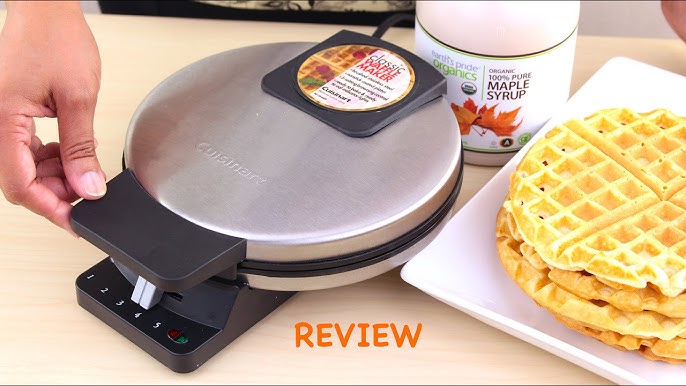
Safety first: before you remove the plates
Always unplug the waffle maker. Never try to remove plates while the unit is plugged in.
Let the appliance cool completely. Hot plates can burn and warped plates can break when forced.
Wear a heat-safe glove if plates are still warm. Have a clean towel or trivet ready to set the plates on.
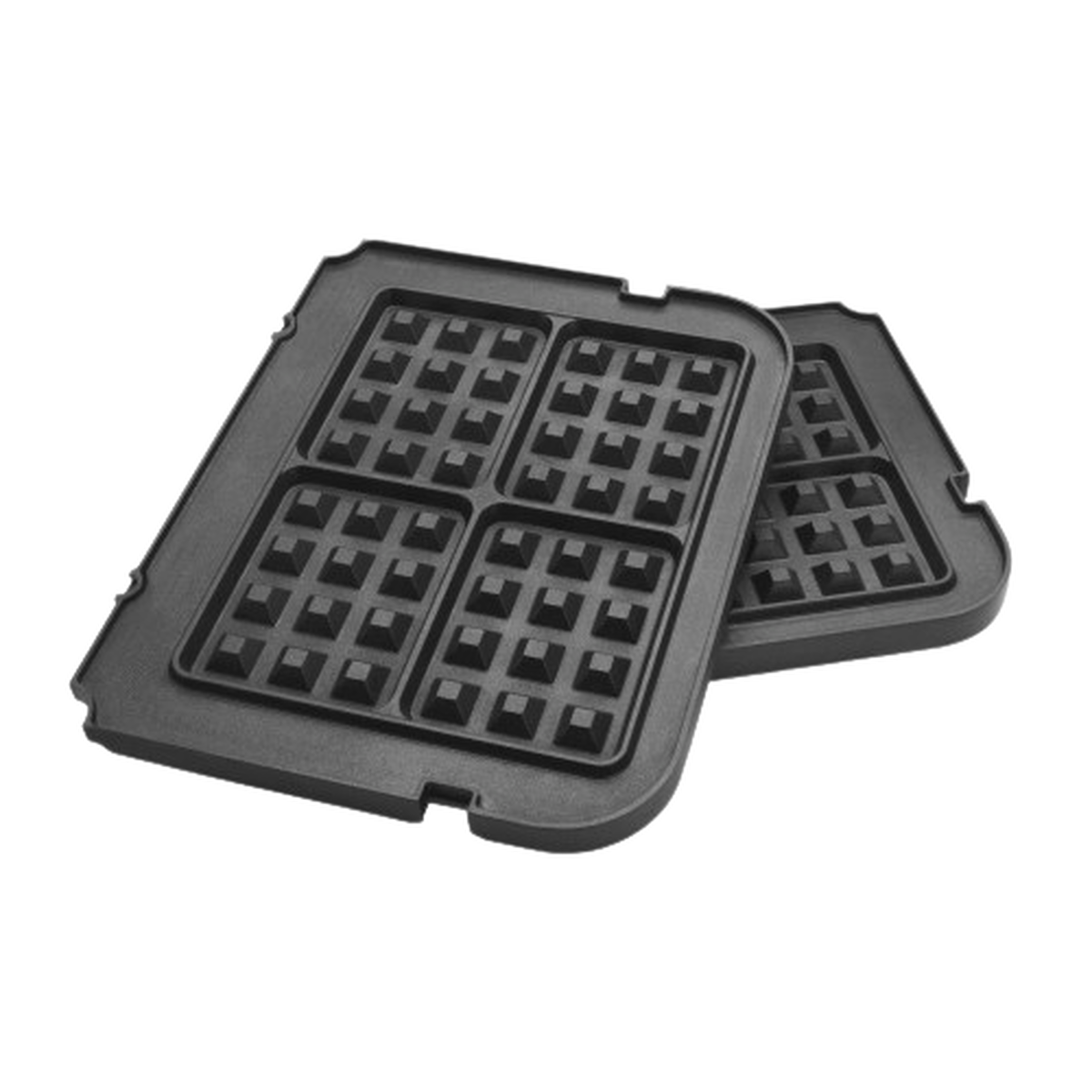
Step-by-step: how to remove plates from cuisinart waffle maker
- Unplug the unit and allow it to cool fully.
- Open the waffle maker lid fully and lay it flat if your model allows.
- Locate the release tabs or latches. These are usually near the hinge or on the sides of the plates.
- Press or pull the release tab gently while lifting the plate edge with your other hand.
- Slide the plate straight out. Avoid twisting or forcing it at an angle.
- If the plate is stuck, apply a small amount of warm water to loosen residue, then try the release again.
- Dry the slots and reinsert plates by aligning the rails and sliding until you hear the click.
If you follow these steps you will remove plates safely and avoid damaging the latch. If a release tab is hidden, check the user manual for your model. Practice once or twice to build confidence.
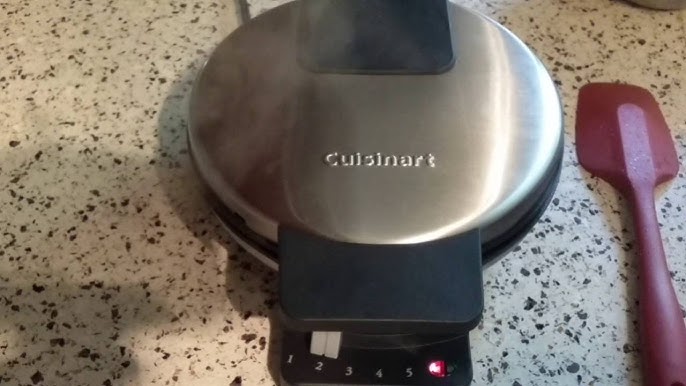
Cleaning, maintenance, and reinstalling plates
After removal, clean the plates according to the manual. Most removable plates are dishwasher safe. If hand washing, use a soft brush and warm soapy water.
Check the rails and latch for crumbs. Wipe the inside of the appliance with a damp cloth and let it dry fully before reassembly.
To reinstall, align the plate rails with the guides and slide until it clicks. Test the latch a few times before heating the unit.
Troubleshooting common issues when removing or reinstalling plates
Plates won't release
- Cause: hardened batter or grease in the latch area.
- Fix: soak the edge in warm water and use a soft brush to clear debris.
Release tab feels stuck or broken
- Cause: plastic fatigue or sticky residue.
- Fix: clean around the tab and try again; contact support if the tab is cracked.
Plate won’t align on reinstallation
– Cause: misaligned rails or food build-up.
- Fix: clean the rails and line up the top edge first, then slide gently.
Click heard but plate loose during cooking
- Cause: partial engagement of the latch.
- Fix: remove and insert again until the plate locks firmly.
If you are unsure, stop and read your model’s manual or contact Cuisinart support. A small fix now prevents bigger damage later.

Frequently Asked Questions of how to remove plates from cuisinart waffle maker
How do I know if my Cuisinart waffle maker has removable plates?
Most models with removable plates have visible tabs, latches, or a “remove” icon on the plate edge. You can also check the user manual for confirmation.
Can I remove plates while the waffle maker is still warm?
No. Wait until the unit cools fully to avoid burns and warping of the plates. Use heat-safe gloves if you must handle slightly warm parts.
Are removable plates dishwasher safe?
Many Cuisinart removable plates are dishwasher safe, but check the model’s care instructions first to avoid damage. Hand washing with a soft brush is a safe alternative.
What if the release tab is broken?
If the tab is cracked or broken, stop using force. Contact the manufacturer for replacement parts or repair options to avoid unsafe operation.
How do I clean baked-on batter from the latch area?
Soak a cloth in warm water and place it over the latch for a few minutes, then wipe gently and use a soft brush to clear residue. Avoid metal tools that could scratch or damage the parts.
Can I replace removable plates with non-Cuisinart plates?
It’s best to use plates made for your Cuisinart model to ensure proper fit and safety. Third-party plates may not align or latch correctly.
Conclusion
Removing plates from your Cuisinart waffle maker is a simple task when you follow safe steps, know where the release tabs are, and keep the rails clean. Start by unplugging and cooling the unit, then press the release and slide each plate out gently. Keep plates clean, dry, and properly reinstalled to extend the life of your waffle maker and improve results.
Try the steps above next time you clean or swap plates. If this guide helped you, leave a comment or subscribe for more appliance tips and practical how-tos.