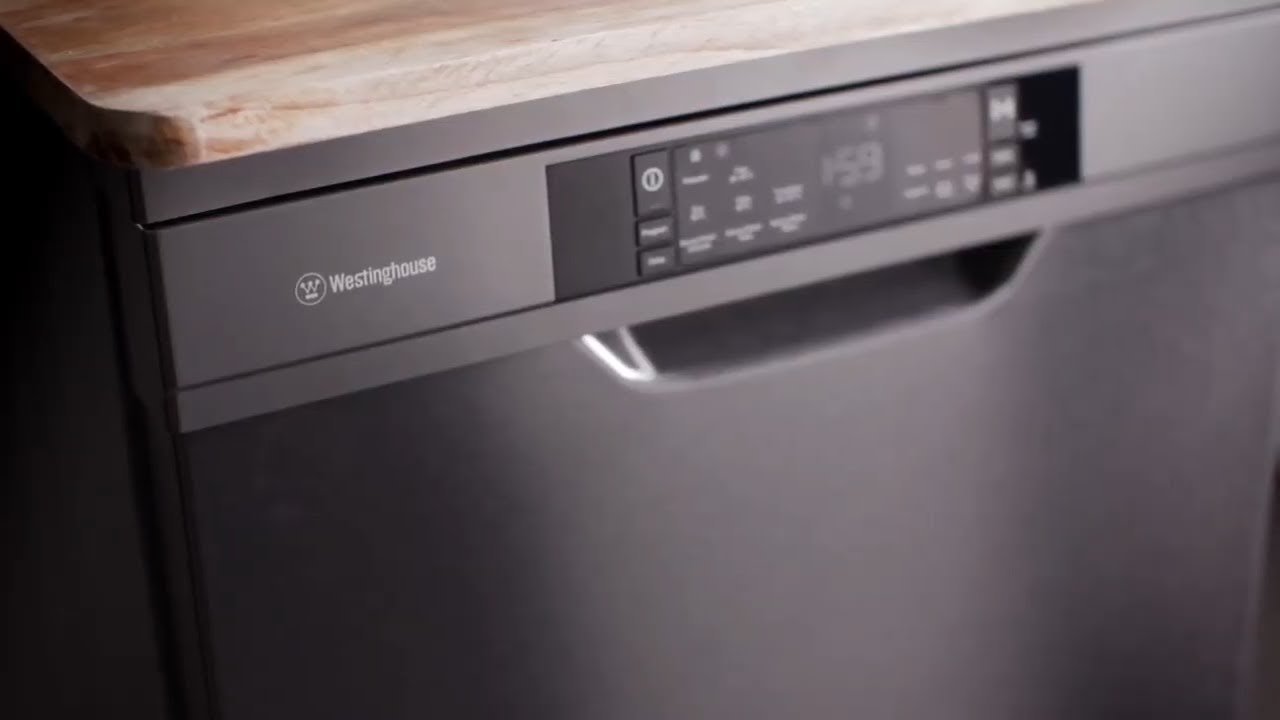

Press and hold the Heated Dry and Normal buttons for three seconds to turn off Control Lock.
I’ve helped fix many KitchenAid dishwashers and tested the control lock on several models. This guide explains how to turn control lock off KitchenAid dishwasher models step by step. I show simple button combos, power-cycle resets, troubleshooting tips, and when to call a pro. Read on to unlock your dishwasher quickly and safely.

How the control lock works on KitchenAid dishwashers
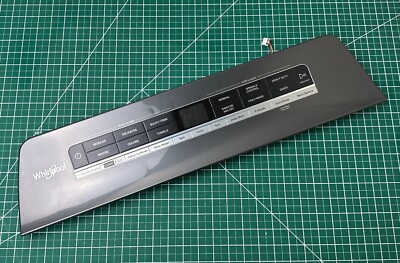
Control Lock prevents accidental or child-initiated changes to cycles. It disables the front panel buttons while a cycle runs or when manually set. Most KitchenAid models use a two-button press or a dedicated lock icon on the touch display.
Knowing how to turn control lock off KitchenAid dishwasher models helps you resume normal use. The method varies by model, so try the simple button holds first. If that fails, a power reset or deeper troubleshooting is next.

Primary ways to turn control lock off
There are a few common methods to turn control lock off KitchenAid dishwasher units. Try them in this order:
- Press and hold the Heated Dry and Normal buttons together for three seconds. This works on many mid-range models.
- Press and hold the Control Lock or Lock button (if present) until the lock light turns off.
- For touch displays, press and hold the lock icon on the screen until the icon clears.
- Power-cycle the dishwasher by turning the breaker off for 30 seconds, then back on, to reset the control board.
If none of these work, you may have a stuck button or an electrical issue. In that case, proceed to the troubleshooting section below.

Step-by-step: Turn control lock off (simple button models)
Follow these short steps to turn control lock off KitchenAid dishwasher models with physical buttons.
- Wake the display by pressing any key once.
- Press and hold Heated Dry and Normal together for three seconds.
- Watch for the lock indicator light to go off.
- Test by pressing a different cycle button to confirm the panel responds.
If the light stays on, try a power cycle: flip the breaker off for 30 seconds and repeat the steps. This reset often clears stubborn locks.

Step-by-step: Turn control lock off (touchscreen and smart models)
Touch panels use a different routine. Use these steps for touch or smart KitchenAid models.
- Tap to wake the display.
- Locate the lock icon or Control Lock label on the screen.
- Press and hold that icon for three to five seconds until the icon disappears.
- If the icon won’t clear, turn off power at the breaker for 30 seconds, then power back on and repeat.
Remember that software glitches can require a full reset. If a power cycle does not work, check for error codes on the display and consult the manual.

Troubleshooting when control lock won't turn off
If you still can’t turn control lock off KitchenAid dishwasher units, check these common causes and fixes.
-
Stuck or dirty buttons
Clean around the buttons or touch area with a soft cloth and mild cleaner. Dirt and moisture can keep the lock engaged. -
Active cycle or delayed start
The lock may stay on while a cycle runs or when delay start is active. Cancel the cycle or wait for it to finish. -
Power or control board issue
A reset at the breaker can fix minor control board glitches. If resets fail, the control board or wiring might need inspection. -
Faulty door latch or sensor
A bad door latch may send wrong signals and keep the lock engaged. Test the latch and replace if needed. -
Child lock mode confusion
Some models show a padlock icon for child lock. Confirm you are using the correct button combination for your model.
Personal note: I once helped a friend who couldn’t unlock a KitchenAid console. The problem was a soda spill under the touchpad. A gentle clean and a power reset fixed it in minutes. Clean panels gently to avoid damage.

Preventive tips and best practices
Small habits help avoid lock issues in the future. These tips make it easier to turn control lock off KitchenAid dishwashers when you need to.
- Keep the control panel dry and clean to prevent stuck buttons.
- Avoid spraying cleaners directly on the panel. Wipe with a damp cloth instead.
- Teach household members the button combo to turn control lock off.
- Use the child lock only when needed. Turn it off after tasks are done.
- Perform a power-cycle every few months if the dishwasher behaves oddly.
These steps lower the chance of needing a service call and keep the controls responsive.

When to call a pro or use your warranty
If cleaning, button combos, and resets fail, professional help is the next step. Contact an authorized service technician when:
- The control panel is unresponsive after a power-cycle and cleaning.
- You see error codes tied to control board or sensor faults.
- The door latch or electrical parts need replacement.
- The unit is under warranty and requires part repair or replacement.
A certified technician can diagnose control board issues and handle safe repairs. If your dishwasher is under warranty, avoid risky DIY repairs that could void coverage.
Frequently Asked Questions of how to turn control lock off kitchenaid dishwasher
How long do I hold the buttons to turn off control lock?
Hold the designated buttons for about three to five seconds. Most KitchenAid models use a three-second press to toggle the lock.
What if the control lock stays on after a power reset?
If a power reset does not work, check for stuck buttons, spills, or error codes. If the panel is still unresponsive, a technician may need to inspect the control board.
Can I damage the dishwasher by trying to unlock it myself?
Using the correct button combo or a power-cycle is safe. Avoid opening the control panel or using harsh chemicals, as that risks damage and may void warranties.
Does the control lock turn off automatically after a cycle?
Often the control lock may stay active during a cycle and turn off when it completes. Some models keep locks active until manually released.
Which button combos work on most KitchenAid models?
Common combos are Heated Dry + Normal or a single Control Lock/Lock button held down. Check your manual for model-specific instructions.
Conclusion
You can usually turn control lock off KitchenAid dishwasher models with a quick button hold or a simple power-cycle. Try the Heated Dry and Normal combo first, clean the panel, and power-reset if needed. If problems persist, contact a certified technician or use warranty support.
Take action now: test the simple button combo on your dishwasher, save the correct method for future use, and leave a comment if you need model-specific help or want troubleshooting tips.